
Overview
Ocean protects your Microsoft 365 environment with a cloud-native email security platform offered as a software-as-a-service solution. During the Proof of Concept (PoC), Ocean analyzes and reports on threats without taking active remediation actions, allowing your organization to evaluate our capabilities while retaining full operational control.Deployment Overview
Ocean’s email security platform integrates with Microsoft 365 via native APIs. This means that our system does not alter the email route, nor does it require any configuration changes to your existing email infrastructure. During the initial Proof of Concept (PoC) phase, Ocean will operate with read-only permissions:- No emails are quarantined or remediated
- Detailed reports on potentially malicious emails are provided
- You can review and manage threats without immediate intervention from our system
Integration Steps
Before starting the integration, Ocean’s sales team will provide you with a link to the integration wizard.Confirm Admin Permissions
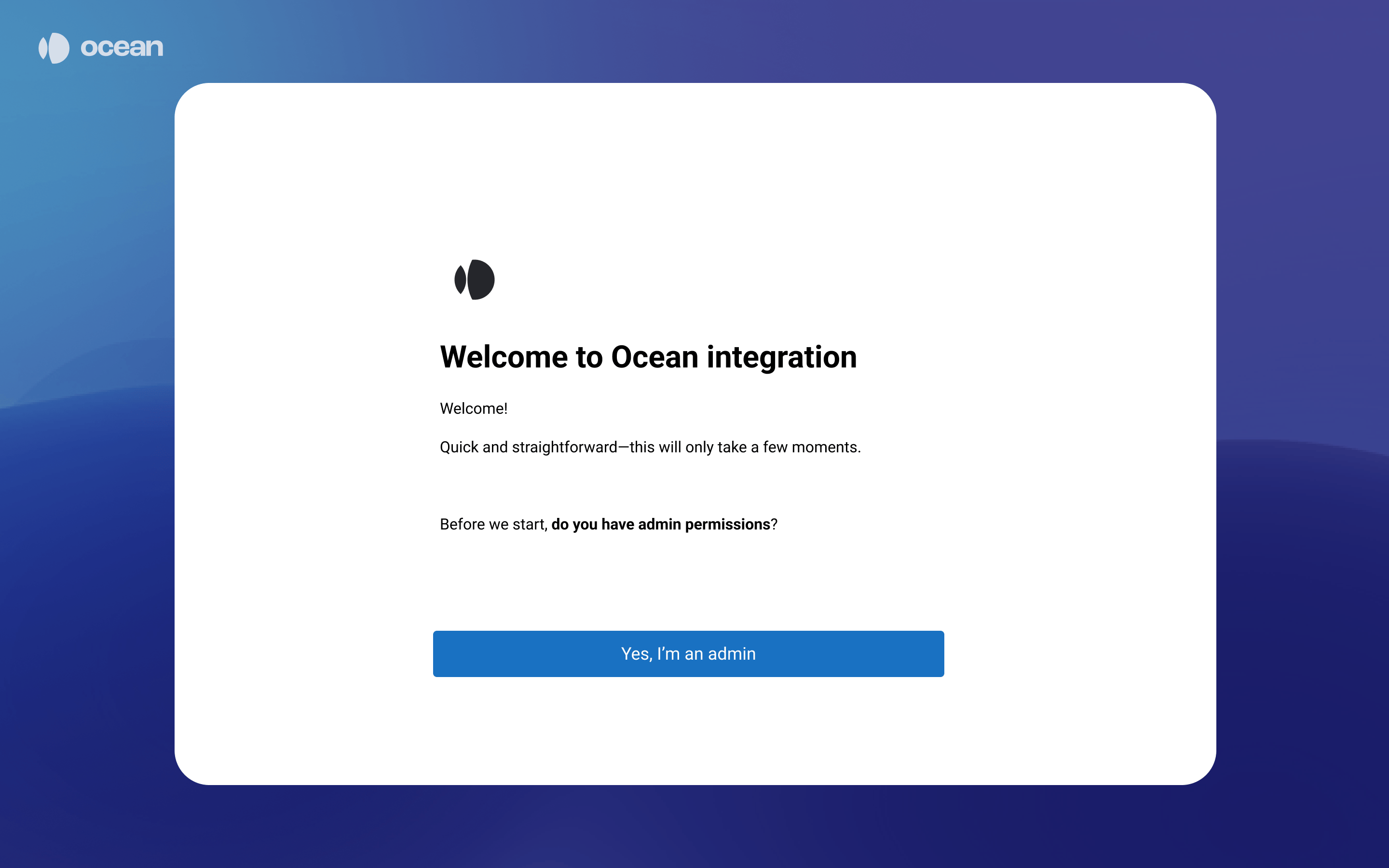
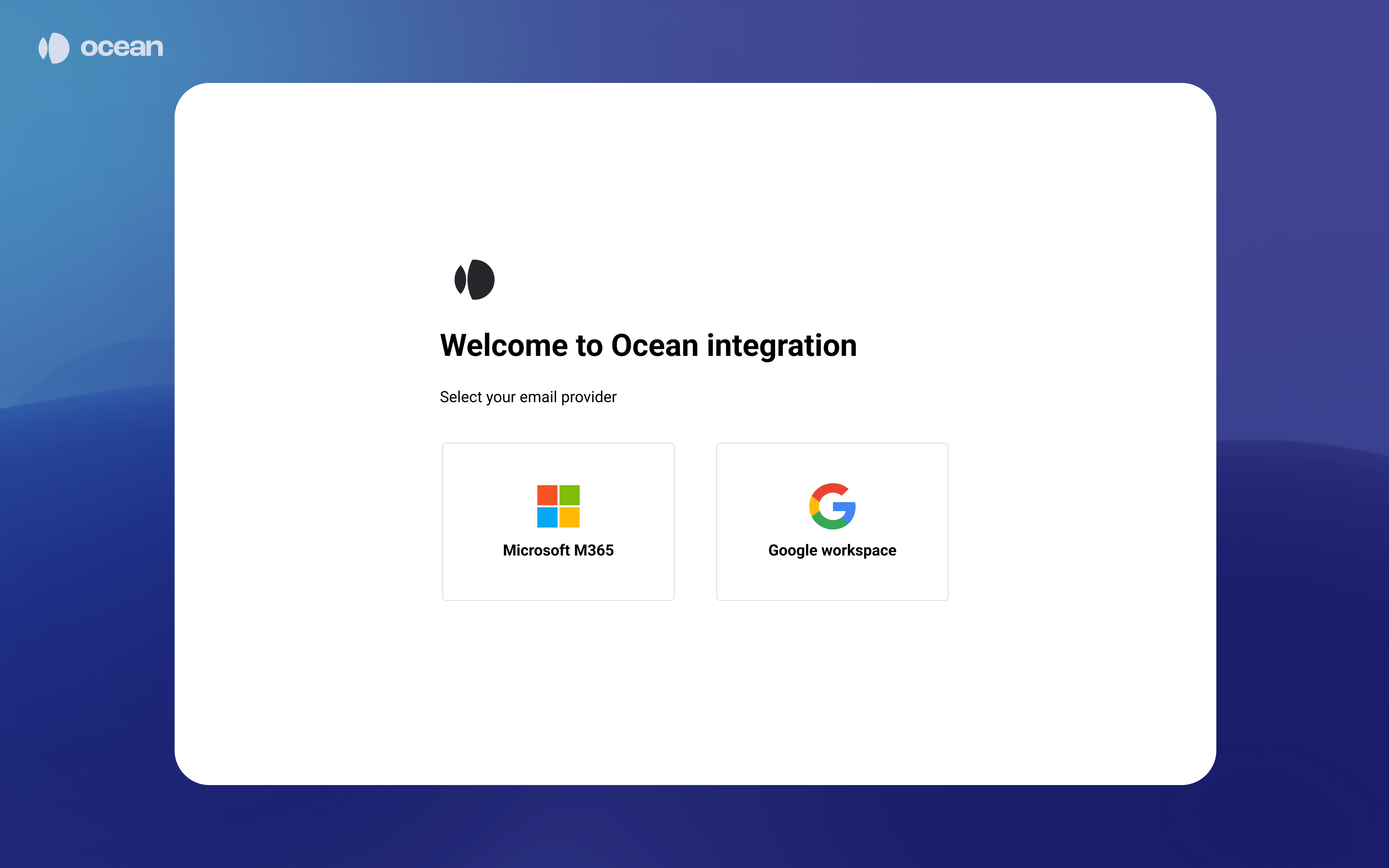
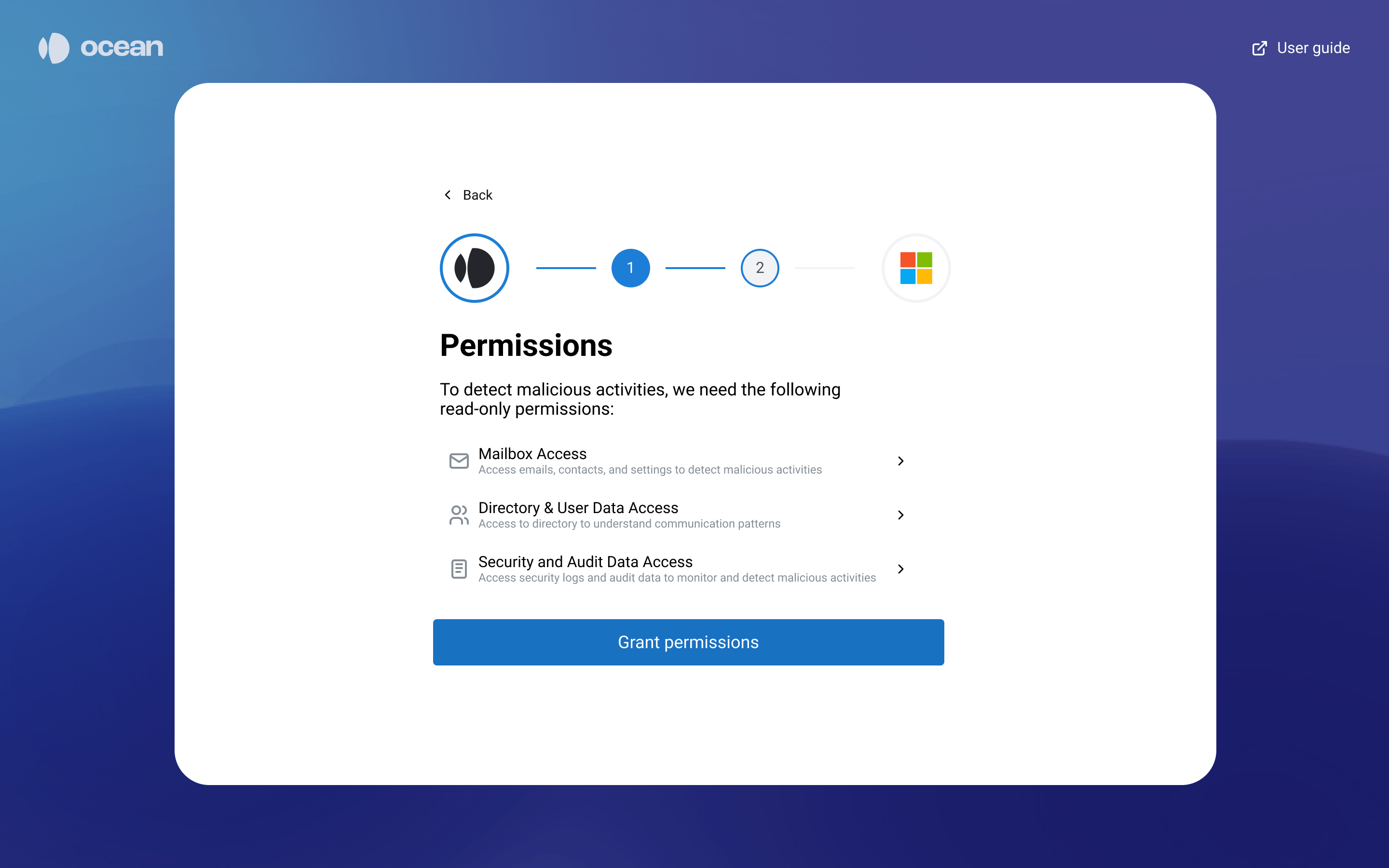
Review Permissions
Authorize in Microsoft 365
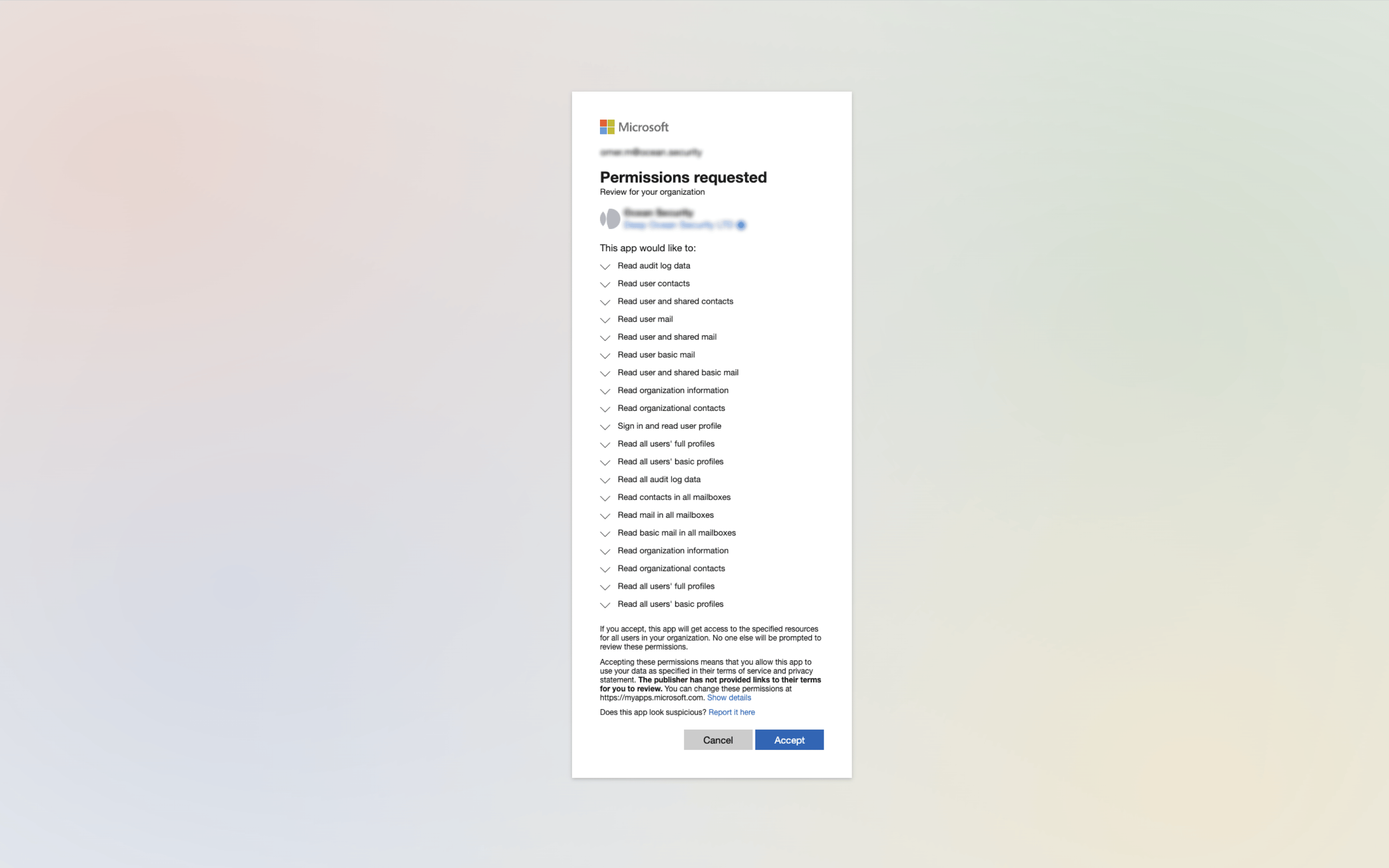
- Log in to Microsoft 365 with a Global Admin account
- Review the requested permissions for Ocean’s application
- Click “Accept” to grant the permissions
Permissions Reference
Ocean requires the following read-only Microsoft 365 permissions during the Proof of Concept (PoC). These permissions allow our AI to build context, understand communication patterns, and accurately identify potential threats.Mailbox Access
Read mail in all inboxes
Read mail in all inboxes
Mail.ReadBasic, Mail.ReadBasic.All, Mail.ReadWhat it does: Gets the messages in the signed-in user’s mailbox (including the Deleted Items and Clutter folders). Retrieves the properties and relationships of message objects.Why it’s needed: Emails are read in real time as they arrive in the mailbox and scored along a variety of dimensions. Ocean looks at patterns of communication, urgent requests, emails requesting financial invoices, intellectual property, and sensitive customer data to identify threats.Read contacts in all mailboxes
Read contacts in all mailboxes
Contacts.ReadWhat it does: Enables the app to read all contacts in all mailboxes without a signed-in user.Why it’s needed: Understanding established relationships and currently vetted contacts helps Ocean bootstrap its understanding of normal communication patterns and detect impersonation attempts.Read all user mailbox settings
Read all user mailbox settings
MailboxSettings.ReadWhat it does: Enables the app to read the user’s mailbox settings without a signed-in user. Does not include permission to send mail.Why it’s needed: Fraudsters usually change settings and mail filters once they have access to an account. Ocean observes and monitors suspicious patterns of behavior to alert your security team about suspicious activity.Directory & User Access
Read all users' full profiles
Read all users' full profiles
User.Read.AllWhat it does: Enables the app to read the full set of profile properties, reports, and managers of other users in your organization on behalf of the signed-in user.Why it’s needed: This data enables Ocean to make more accurate risk judgments while scoring emails. Learning about the organization and teams enables Ocean to model normal communication patterns. For example, emails from the Finance team may be used to train models about vendors.Read all groups
Read all groups
Group.Read.All, GroupMember.Read.AllWhat it does: Enables the app to list all the groups available in an organization.Why it’s needed: Group properties enable Ocean to infer relationships of people within your organization and normal working patterns between teams. For example, Ocean would infer that Finance team members are responsible for invoices and establish communication norms accordingly.Security & Audit
Read all audit log data
Read all audit log data
AuditLog.Read.AllWhat it does: Enables the app to read and query your audit log activities without a signed-in user.Why it’s needed: Collects sign-in information about users to detect anomalies in sign-in activity that could indicate account compromise.Read activity data for your organization
Read activity data for your organization
ActivityFeed.ReadWhat it does: Enables the application to read activity data for your organization.Why it’s needed: Provides an alternate source of sign-in data and includes SharePoint activity data for comprehensive threat analysis.Read all identity risk event information
Read all identity risk event information
IdentityRiskEvent.Read.AllWhat it does: Enables the app to read the identity risk event information for your organization without a signed-in user.Why it’s needed: Allows Ocean to query risk events as detected by Microsoft and correlate them with email threats.Read all identity risky user information
Read all identity risky user information
IdentityRiskyUser.Read.AllWhat it does: Enables the app to read the identity risky user information for your organization without a signed-in user.Why it’s needed: Allows Ocean to query risky user activity as detected by Microsoft for enhanced threat detection.Read Conditional Access policies
Read Conditional Access policies
Policy.Read.AllWhat it does: Enables the app to read conditional access policies created by an organization.Why it’s needed: Enables Ocean to enrich context in its Knowledge Engines and support use cases across product surface areas.API Permissions Summary
Below is the complete list of Microsoft Graph API permissions required for the integration:Frequently Asked Questions
Do I need to change DNS records, route email flow, or any other settings?
Do I need to change DNS records, route email flow, or any other settings?
Will Ocean interfere with delivery to employees?
Will Ocean interfere with delivery to employees?
Will business operations be affected if Ocean services are unavailable or removed?
Will business operations be affected if Ocean services are unavailable or removed?
Will Ocean delete, move, or change emails?
Will Ocean delete, move, or change emails?
Will Ocean impact other email security systems?
Will Ocean impact other email security systems?
How do I revoke Ocean's access?
How do I revoke Ocean's access?
Is any configuration or setup required after the integration?
Is any configuration or setup required after the integration?
Is any maintenance or support required from the IT team?
Is any maintenance or support required from the IT team?